Showing posts with label leadership. Show all posts

Wednesday, 21 January 2015

Powerful Ideas - Powerful Visuals

There are times on Twitter where I have come across a really great idea and I get motivated to take that idea and pair it with a great visual to share with others.  I thought I would use this post to share the collection of my favourites.  Besides being on Twitter, I have these on my wall in my office, the LFD tvs at the school and up on old school bulletin boards.

I made these images with @canva.  A great tech tool canva.com.

You can find these images on twitter, @vptechnodork.  Share away.
Be Great because...You are Great.  My great tweep @gregbagby as this as part of his Twitter profile.


My kids inspired this, when things weren't going so well for me one day they said this line.  


Yeah we all get the Sunday night nerves.  Admitting it is half the battle.  Are students get these nerves as well.  Just a reminder that the WE can handle it. Bring the AWESOME!


We are developing staff and student understanding of Growth Mindset.  I read an article about Canada's World Junior loss last year and the goalie had this great line about dealing with failure.  Even funnier, my son's own hockey team is not doing so hot this year.  My son read this and said, "wow dad, my team has learned a lot this year!"


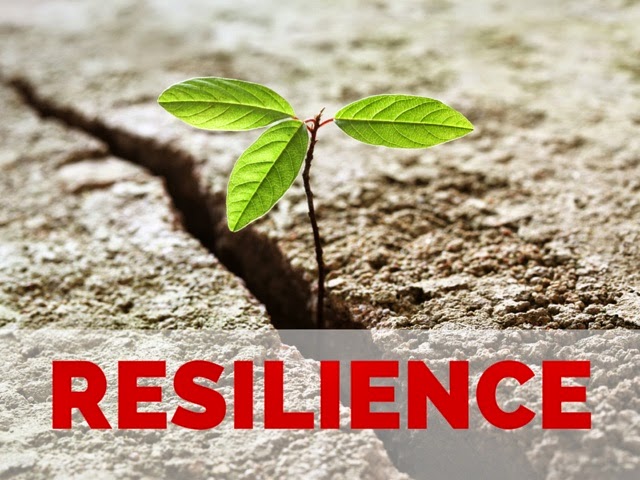
This was simply my one word for this year.  Resilience. Our students and staff need more of this.  


When are students want to pack it in when the learning pushes them past their comfort zone. 


Just developing our understanding for the benefits of failure. 


#edtech is not the solution to improving education.  Yeah I said it. 


The benefits of Twitter.  U can also check out the evolution of this image from a storify I put together.  Value of Twitter on Storify


My message on creation vs content. 


From @rmbyrne keynote at #BIT2014


My perspective on having students look up content. 


My view on social media. 


How I work, how I lead.  

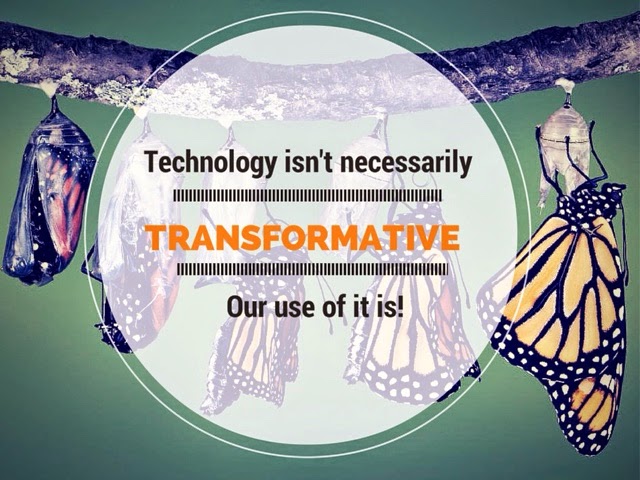
Technology is only powerful if we use it with a purpose. 


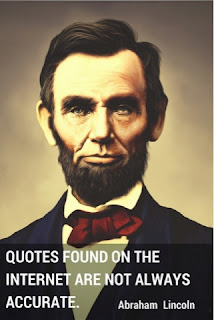
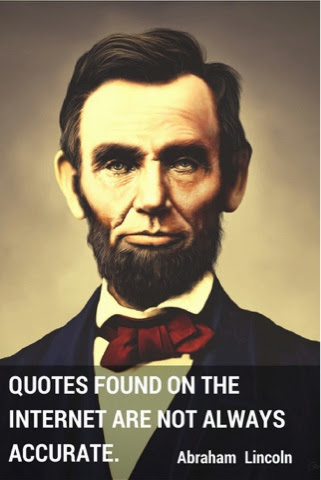
Reliability of information.  Expression found on a t-shirt. 


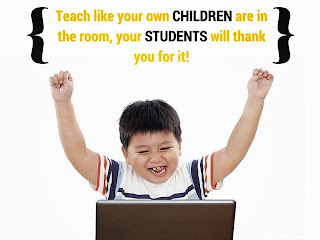
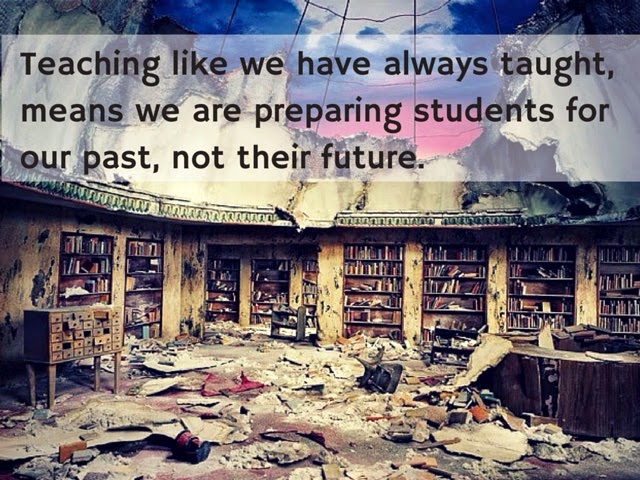
We need to change teaching. 


That's it, that's all for now.  Find me @vptechnodork and full sized images are there.  Share away.

Tuesday, 16 September 2014

Can't find something...you should've put it in your POCKET!

Using twitter has been a great professional learning experience.  Twitter has helped build relationships over wide geographic distances and within the mighty PDSB.  I get to share ideas and resouces with people who's paths I might not have crossed without twitter.  This post is a result of these connections and relationships.  It is part of the first #peel21st blog hop.  Please check out the other blogs listed at the bottom of this post.  Enjoy!

So we have all been there, we have been with a colleague who tells us about a great teaching tool or we have found resources online and we want to save them so we can read and use them later.  This is long after we have finished marking, writing report cards and then we have performed our parental/family duties when we are finally at home.

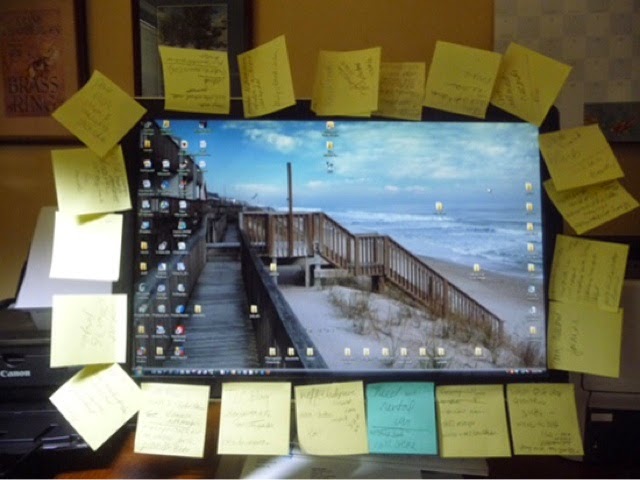
So what do you do with these finds?  Do you write them on a piece of paper? Put them on a sticky note that gets stuck to your monitor? Email yourself the link or bookmark the resource on the computer your are using?


We all know how successful these methods are; the piece of paper gets washed, the sticky note falls off and gets stuck to something else, you suck as an email ninja and your hopes of inbox zero had officially faded with email number, 3000 in your inbox.  The bookmark idea almost works, but then when you try to find it you discover your were logged in under someone else's username, or you cannot access the bookmark because you are on a different device.  

I know your frustration, I have been there myself, or should a say, used to be there.  My advice to you, you should just put it in your Pocket!


So, what is Pocket?

Pocket is a cross platform, cross device, visual bookmarking service that will help turn you into an Web 2.0 ninja.  Pocket can be used on almost any device, using almost any operating system that will allow you to easily save, but more importantly retrieve articles when you have more time, or when you actually need them.

How do I put things into my Pocket?

In most cases things can be put into your pocket with one click, touch and swipe using extensions in Chrome or by using bookmarklets on iOS.  Once these are setup, it is one touch on the tool bar, or one touch on the share icon and you can automatically send things to your pocket for when you have time to read them later.

What does Pocket do with my finds?

Pocket will parse the articles and remove unwanted adds and distractions that will help you read items at a quicker pace.  Pocket also archives the articles so you can have offline access to blog posts or articles and this even allows access to the content when the host site is down, the article has been move, or even worse, the article has been deleted.  Pocket lets you view your items in either the streamed lined list view or the graphically stunning thumbnail view.  As a visual person, I enjoy using thumbnail view the most, but when I am in a hurry I revert to list view.  Pocket even has different colour themes for you viewing pleasure.   I like to use the dark theme so I can easily read articles at night without the bright glaring screen of my tablet.  Further to this, videos can be played directly from within your Pocket. Talk about time saving.

What do I do with articles once they are in my Pocket?

You read them!  Besides this obvious remark, there are some great functions within Pocket that allow you to sort, filter and organize items to make finding them easier when you need them.  The most powerful tool in Pocket is the tagging feature, this allows for quick searching later.  You can add tags as you find and read articles.  If you have made a mistake, you can delete tags as well.   Actually if you made a mistake in saving an article, you can simply delete it from your pocket as well.  You can also search your pocket by keyword, article title and resource title. Once you have reviewed an item, you can check it off as read and it will send it to your archive for access later. This saves some room in your pocket for even more great discoveries.  You can also favourite articles you have read, for easy access to your top finds.

What else can I do with Pocket?

Pocket is integrated with over 500 different apps, which makes it uber easy to send items to your pocket and share items from your pocket.  Pocket integrates with Twitter, Zite, Feedly, and Evernote to name a few.  In most cases you can once again use pocket to share with one click, touch or swipe to many of your favourite networks like Facebook or share to public booking sites like Diigo (my fav) or Delicious.   Adding the Web 2.0 service IFTTT automates many things and makes both the finding and sharing of items even easier from Pocket.  You can even use IFTTT to automatically send new posts or articles from your favourite bloggers or news sites, so you never miss anything.   I have also started to further archive my Pocket by integrating with Evernote.  I can send items, along with their tags for always and ever access in Evernote.

What doesn't Pocket do?

I wish I could say it does everything, but I am still waiting for Hootsuite integration to come.  

In the end...

So do yourself a favour, leave the paper, the sticky notes, the emails and the browser bookmarks behind.  

Just start putting things in your Pocket.  You can find your Pocket at: https://getpocket.com/welcome.php

Get pocket and start taking a drink, at your own pace, from the waterfall of information on the web!


Don’t forget to check out the other blog posts in our Blog Hop!

Friday, 15 August 2014

Getting Comfortable with Change, I mean TRANSITIONS

I am just going to put it out there - Change is good!  This is the perspective every modern leader needs to have.


As I look back over the last school year and a half, I have gone through:

  • 3 principals
  • 3 Superintendents
  • 3 Schools
  • 6 vice principals.
  • Sharepoint rollover
  • Office365 Implementation

In fact in the last year our staff moved our entire site from one location to another.  These are just small examples of the amount of physical changes we go through as digital leaders.

Many say I should have fallen apart with all of the change, besides the fact that I had a great staff keeping it together and I more than loving and supportive wife at home, it was my use of technology schools as well that helped me stay on track and not loose focus.  The use off technology remained as everything around me was changing.  The apps that I used to help me lead through the change were indispensable in my success.  Here is a brief list of them:

Evernote - notes from meetings, ideas, thoughts (@evernote)
Pocket - collected all the information and ideas I would need to be successful (@pocket)
Wunderlist - My second brain and essential task manager/to-do list (@wunderlist)
Twitter - connecting with other educators to seek advice through my PLN (@twitter)
Hootsuite - to manage all of the information as it was coming at me (@hootsuite)

The above apps were essential in managing the transitions that I have gone through, the many changes I was able to lead through.  Our students are also going through change.  Rapid change, but they have not be taught how to manage it.  They have not had the opportunity to have change management modelled for them.  We can show them how to manage the change with web tools.

Change is good.  Our students do not always realize that.  Think of when are students have the hardest time with things, the days leading up to holidays standout for me.  Students have a hard time managing through change and we need to model this change for them.


The first thing that I like to do is switch the term from change to TRANSITION.  A change is more like doing a u-turn on a highway or a complete stop.  A transition is more like a lane change, a slight shift in direction.  By modeling these transitions for students, and in fact staff as well, we are showing true leadership.  Whether it is some of the physical school changes I mentioned above or a shift in pedagogical direction we can help students and staff though them by taking the first steps.  We can show them that the more transitions we make the better we are at handling the transitions of life, such as moving houses, changing schools, or even changing friendships.

We also need to highlight how, over time, when you keep doing the same thing we wear a path into the ground where we have been.  These paths in the grass may become deeper the more we walk over them and eventually become ruts.  As we know people can get stuck in rut and have a harder time getting out.  We need as leaders to model how we can stay out of ruts and stay in the groove.  This groove is more of how we manage our daily lives a process rather than a track.  We can show how to go with the flow and take control of our situations and better handle our transitions.  The last thing we want our students and schools to become is stuck, embedded in the mud.


As leaders in a modern world, it is important for us to model effective change management or transition control for our students.


Monday, 28 July 2014

Bringing down the SILOS in education

Confidence is what I am really talking about.

At times this is an issue with all staff in education and it surely includes administration and teaching staff.

Why is it that we as educators are so hesitant to share in our process, our ideas and our product?  Why is it that we feel so comfortable in our silos?


Getting rid of these silos is paramount to student success.  As Fullan has suggested, student learning depends on each and every teacher, learning all the time and if students and teachers are going to be successful than we need to ensure that the doors of schools and classrooms are opened and the walls are taken down. As educators, we need share and learn from each other.

We need to engage in the difficult task of if changing this culture in education.  Even in my 14 years of education, I have come across the reluctance of teachers to open up their practice and share with other educators.  As and executive member for the Ontario History and Social Sciences Teachers' Association (OHASSTA) I was the webmaster and created an online data base that teachers could upload and share lessons they created.  Aside from workshop materials that presenting teachers sent to me, rarely did teachers willingly post teaching materials.  This reluctance to open at least a window into their practice is a sign of teachers being unwilling to share, to open doors, to take down walls.  As educators we are standing in the way of a culture change and shift in practice.

So why aren't more educators willing to share?  Willing to open up our classrooms and schools?  I think there are two reasons.  One George Couros touched on and that is the competitive nature of teaching. Second, is a lack of confidence on behalf or educators.  If we can address these two areas, perhaps we can turn doors into windows, and start to bring the silos down.


In his post, "Our Kids", George touches on the competitive nature of schools as we fight for students in our course, our programs, our departments and even our schools.  As we fight to keep our competitive advantage we keep our ideas in, what is working quiet and in the end this is detrimental to all of "our kids." Further to this, the competitive nature of education is directly tied to how we are funded, staffed and resourced; on a per student head basis.  This is why educators fight for students, and do not want to share as a way of keeping their competitive advantage.  Is it time we look at changing our funding model for education?  A question to be answered in another post.

Couros, goes further to discuss the humble attitude of teachers and how they perceive what they do as being insignificant in his post.  I agree and would take this point further  and also suggest a lack of confidence on the part of teachers as an additional factor behind the lack of sharing amongst educators.

Rosabeth Moss Kanter, in her book Confidence, highlights how organizations have tremendous talent, but they are not able to carry that talent over into becoming winners because they lack the confidence in themselves to do so.  Our duty as educational leaders is to build confidence in our staff and in order to accomplish this we need to focus on four areas suggested by Kanter;  1) Self-Confidence - let teachers know what they are doing is noticed, that it matters and is having a positive impact;  2) Team Confidence - build strong relationships within a staff so all know they are respected, valued and trusted by all members; 3) System Confidence - develop the same qualities as listed before in our school board.  Staff need to know structures are in place that will lead to collaboration, that will help drive innovation and that there will be accountability; and 4) External Confidence - this is based on the previous three areas of confidence and through the positive outcome of these there will an investment in what is going on in a district, board, school or department.  Kanter's work is critical in this area and I highly recommend getting your own copy of Confidence.

So in our schools if we can develop the confidence of staff perhaps this will help to turn the focus on staff from us, as we fight for students to a we as strive to do what is best for all students.  We can start to tear down those silos and build windows into each other's classrooms and buildings and begin the sharing process. I will leave the funding model for another day.